Spy
MobX so far has been somewhat of a black-box, nicely hiding the details of how its reactive system works internally. Some have seen this as "too much magic" and not sure of how/why things work. The problem exacerbates when you have runtime exceptions. The amount of detail exposed on the error may not be enough. It also lacks the complete trace of events that led to the failure.
Spying exposes all these details and shows what is happening inside MobX. It can be summarized like so:
- It gives better visibility of MobX internals
- Enables better developer experience while debugging
- Paves the way for integrating with other tools
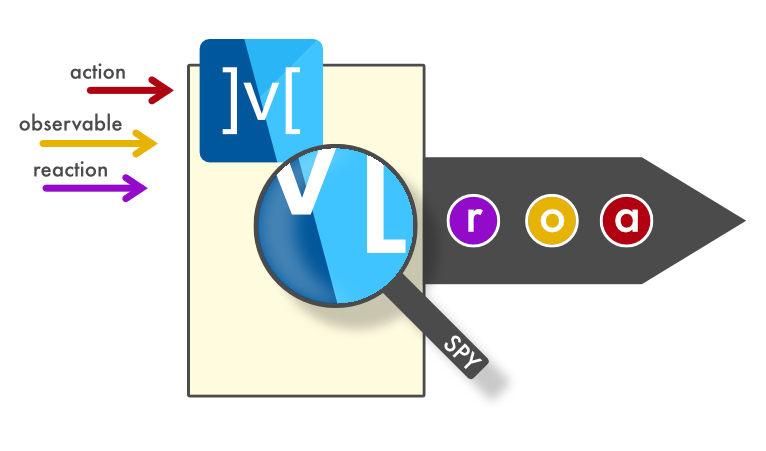
Let us Spy
Using the spy() method of a ReactiveContext, you can get notified of all activities happening inside MobX. Most of the time you are dealing with the mainContext, so you could just do:
In this case, we are setting up a spy right in the top-level main() method. This gives us visibility into MobX, right from the get-go.
ReactiveContext.spy()
Setting up a spy gives you a disposer that can be called anytime to turn-off. This is useful if you want to specifically setup a spy around an action, observable or reaction. The details are present in SpyEvent, which are more specifically captured in its sub-classes:
ObservableValueSpyEventComputedValueSpyEventReactionSpyEventReactionErrorSpyEventReactionDisposedSpyEventActionSpyEventEndedSpyEvent
Simple logging
Let us setup the spy to do some logging of the MobX activities.
This is part of the mobx_examples code.
Running the counter example in the simulator gives the following output:
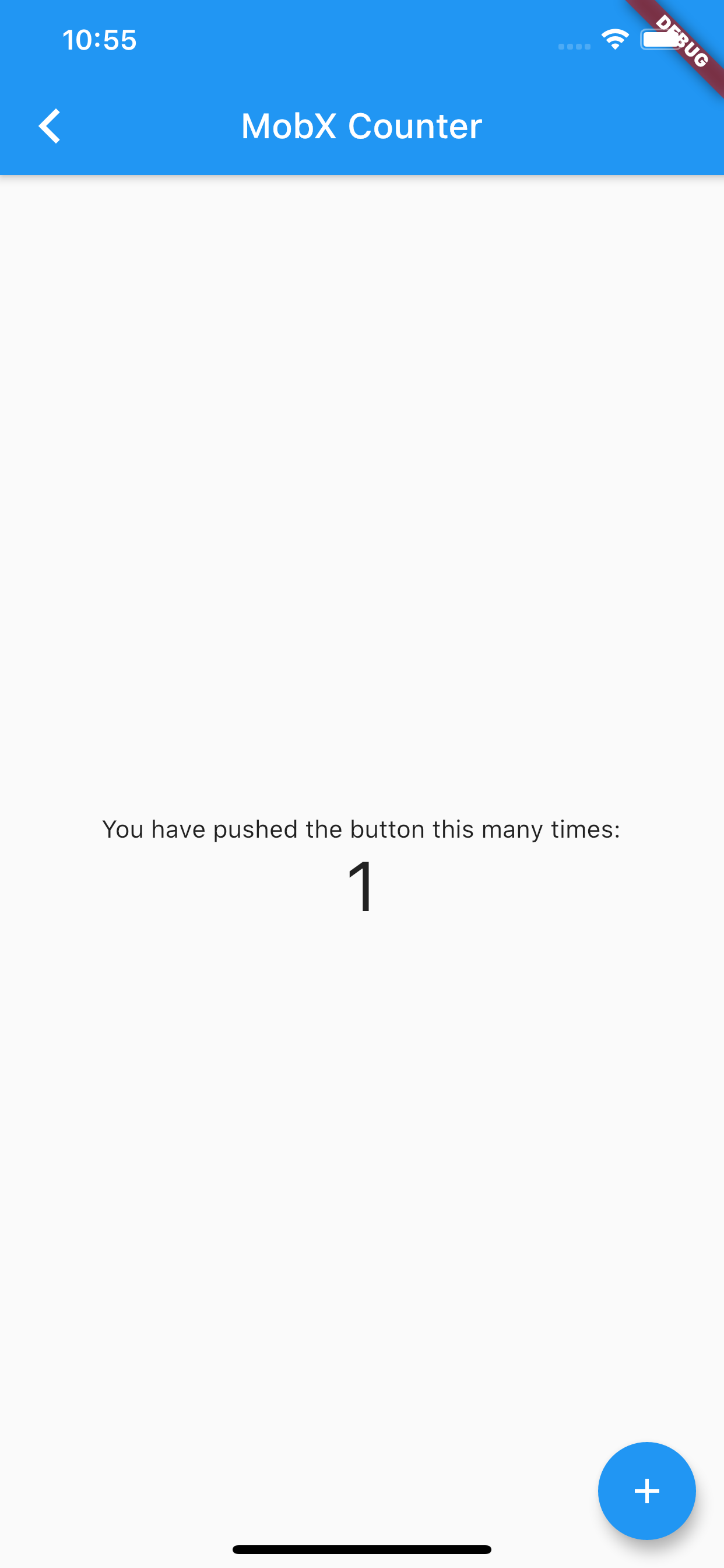
Looking at this log, we can trace the events that led to the new state:
- The
Observer(reaction) is setup. - When we tap on the Increment button, the
_Counter.increment(action) gets fired. - As part of that action, the
_Counter.value(observable) gets updated from 0 to 1. - Since the
_Counter.valuehas changed, theObservergets rebuilt, resulting in displaying the new value. - Once we leave the Counter example, the
Observerreaction gets disposed.
Even in this simple example, we can see that a trace of events makes the whole process more meaningful. The magic of MobX can now be unraveled with the use of spy()!